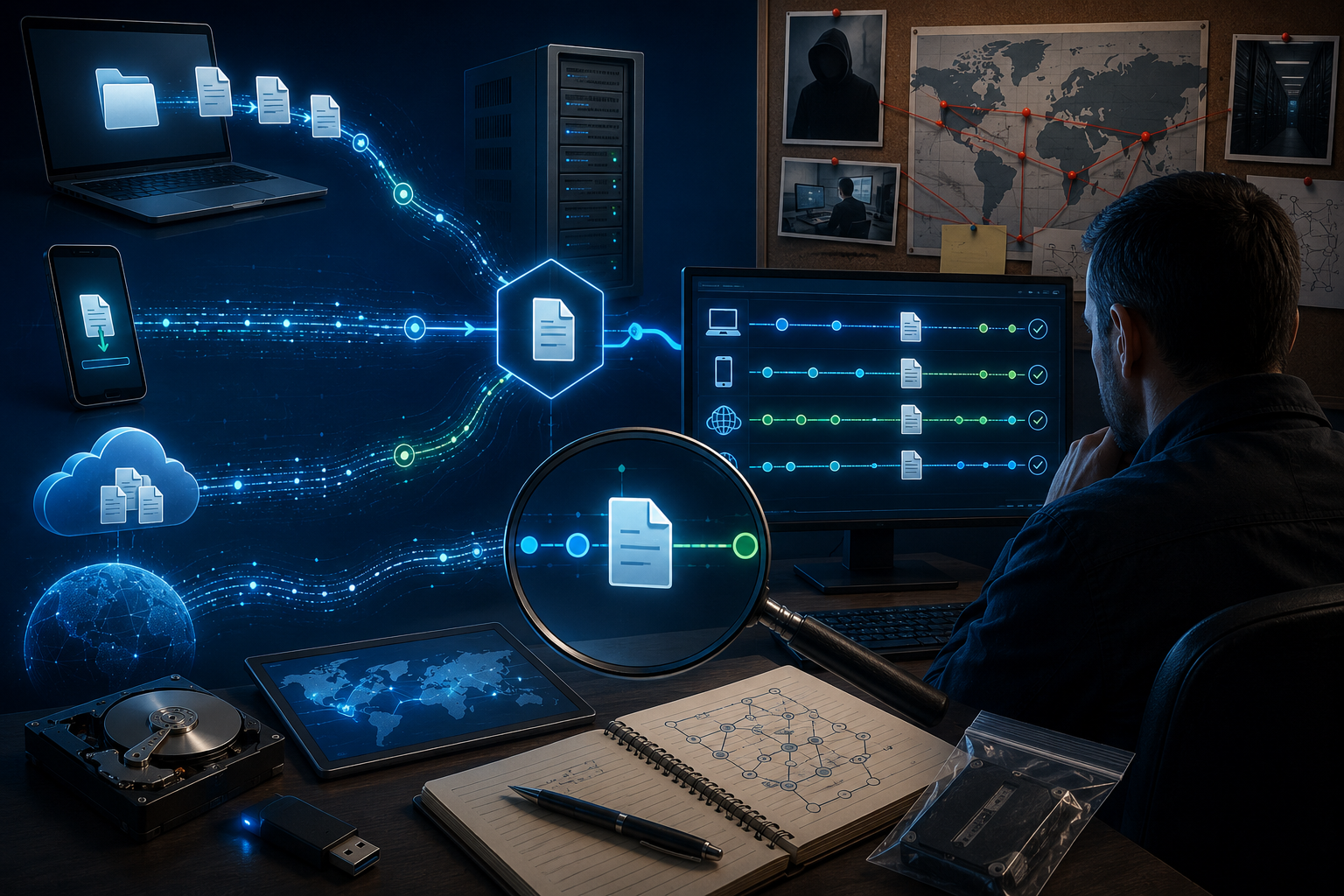
In today’s digital world, file transfers happen constantly—whether through emails, cloud storage, USB devices, or peer-to-peer sharing platforms. While these transfers are often legitimate, they can also be linked to cybercrime, insider threats, intellectual property theft, and unauthorized data leaks. Digital forensic investigators play a critical role in uncovering the digital footprints left behind during these activities.
Understanding how investigators track file transfers and downloads offers insight into the meticulous processes used to establish evidence and reconstruct events.
Why File Transfer Tracking Matters
File transfers may seem simple on the surface, but every movement of digital data often leaves traces. These traces can reveal:
- Who transferred the file
- When the transfer occurred
- Where the file was sent or downloaded from
- What device or network was used
- Whether the file was modified during transfer
This information becomes crucial in investigations involving:
- Data breaches
- Insider threats
- Intellectual property theft
- Fraud investigations
- Unauthorized file sharing
- Cyber espionage cases
Digital Footprints Left by File Transfers
Whenever a file is uploaded, downloaded, copied, or shared, systems generate artifacts that investigators analyze. These include:
1. Browser Download History
Web browsers store detailed logs of downloads, including:
- File name
- Download source URL
- Timestamp
- Download destination path
- Download completion status
Browsers like Chrome, Edge, and Firefox maintain databases that investigators can extract and analyze.
2. Operating System Metadata
Operating systems record metadata related to file creation, modification, and access. Investigators inspect:
- File timestamps (MAC times: Modified, Accessed, Created)
- Recently opened file lists
- Shortcut files (.lnk artifacts)
- Prefetch data (Windows systems)
These artifacts help establish whether a file was opened after download or transferred to another device.
3. USB Device Artifacts
If files were copied to external drives, forensic tools can identify:
- Device connection timestamps
- Device serial numbers
- First and last connected times
- Associated user accounts
This is essential for insider threat investigations involving removable media.
4. Network Traffic Logs
When transfers occur over a network, logs may capture:
- Source and destination IP addresses
- Protocol used (FTP, HTTP, HTTPS, SMB, etc.)
- File transfer duration
- Data size transferred
Packet capture analysis can sometimes reconstruct transferred files.
5. Cloud Synchronization Records
Cloud platforms maintain synchronization records that reveal:
- Upload/download activity
- Device identifiers
- Account login history
- File version changes
- Sharing permissions
This is valuable in cases involving unauthorized cloud exfiltration.
Key Forensic Techniques Used
Investigators rely on specialized forensic methodologies to analyze transfers.
Timeline Reconstruction
By correlating timestamps across browser logs, file system artifacts, and network records, investigators reconstruct the sequence of events.
Example:
A document downloaded at 10:14 AM, copied to a USB drive at 10:19 AM, and deleted from the local system at 10:22 AM creates a strong evidence trail.
Hash Verification
Investigators calculate cryptographic hashes (such as MD5 or SHA-256) to confirm file integrity and verify whether downloaded or transferred files were altered.
Matching hashes can prove a transferred file is identical to its original source.
Link Analysis
Connections between users, devices, IP addresses, and transfer destinations are mapped to identify relationships and suspicious behavior patterns.
Recovery of Deleted Evidence
Even deleted transfer logs or files may remain recoverable from unallocated disk space or forensic backups.
Challenges Investigators Face
Tracking file transfers is not always straightforward. Common obstacles include:
- Encrypted file transfers
- Secure deletion tools
- VPN and anonymization services
- Cloud storage with limited logging
- Anti-forensic software
- Use of temporary file-sharing services
Despite these challenges, forensic experts often uncover indirect artifacts that reveal transfer activity.
Real-World Applications
File transfer tracking supports investigations across industries:
Corporate Security: Detecting employee data theft
Law Enforcement: Investigating illegal file distribution
Incident Response: Tracing malware downloads
Legal Proceedings: Establishing digital evidence timelines
Compliance Audits: Verifying unauthorized data movement
The Importance of Proper Evidence Handling
Tracking file transfers is only part of the process. Investigators must preserve evidence integrity through:
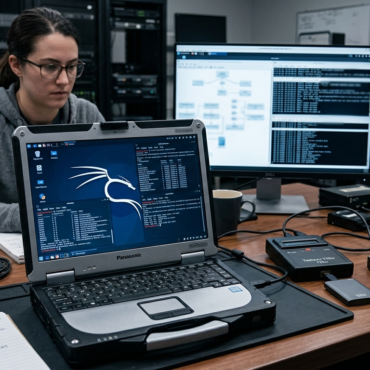
- Write-blocked acquisition
- Chain of custody documentation
- Forensic imaging
- Verified analysis procedures
This ensures findings are legally defensible and admissible in court.
Final Thoughts
Every file transfer leaves behind a digital fingerprint. Skilled forensic investigators know how to locate, interpret, and correlate these traces to uncover hidden activity.
Whether investigating insider threats, cybercrime, or unauthorized downloads, file transfer analysis remains one of digital forensics’ most powerful capabilities.
As technology evolves, so do methods for concealing digital movement—but forensic science continues advancing to reveal the truth hidden within digital evidence.


Post comments (0)