Introduction
Legacy devices in digital forensics continue to play a critical role in investigations despite rapid technological advancements. From old mobile phones to obsolete storage media, these devices often contain valuable historical evidence. Understanding how to properly handle legacy devices in digital forensics ensures that investigators do not miss crucial data due to compatibility or technical limitations.
What Are Legacy Devices in Digital Forensics?
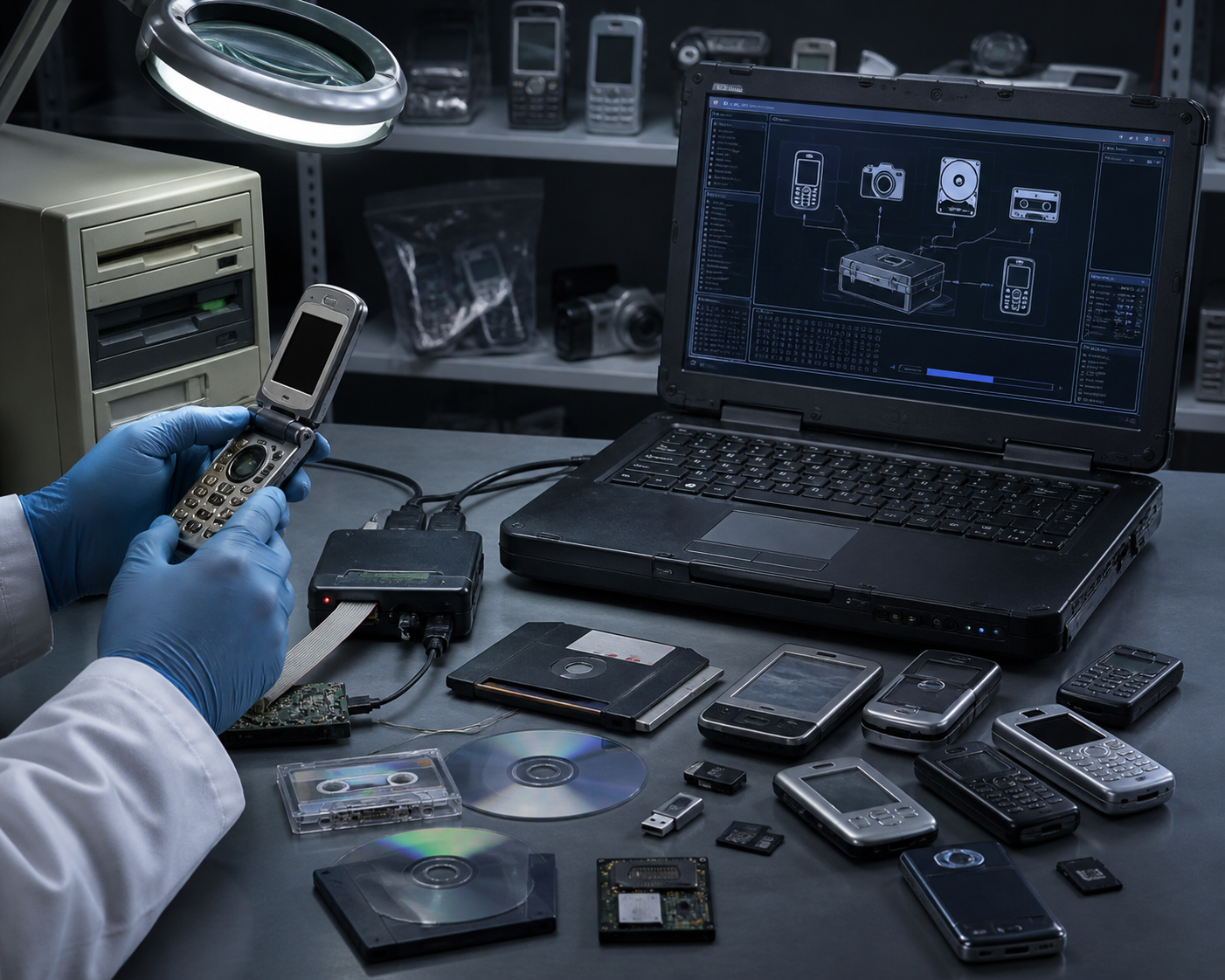
In the context of legacy devices in digital forensics, these are outdated technologies that are no longer widely supported but still encountered during investigations.
Examples include:
- Feature phones (pre-smartphone era)
- Floppy disks and optical media
- IDE/PATA hard drives
- Legacy operating systems like Windows XP or Symbian
- Older GPS units and PDAs
Why Legacy Devices in Digital Forensics Matter
1. Historical Evidence
Older devices often store original data that may not exist anywhere else.
2. Intentional Use by Suspects
Some individuals deliberately use outdated devices assuming they are harder to investigate.
3. Unique Data Formats
Legacy systems often use proprietary formats that modern tools cannot easily interpret.
Key Challenges in Handling Legacy Devices in Digital Forensics
Hardware Compatibility
Modern systems lack ports like IDE or serial connections.
Software Obsolescence
Older forensic tools may not run on current operating systems.
Data Degradation
Physical media deteriorates over time, risking data loss.
Lack of Documentation
Manufacturers may no longer provide support or technical documentation.
Best Practices for Legacy Devices in Digital Forensics
1. Preserve Before Analysis
Avoid powering on devices immediately and document their condition.
2. Maintain a Legacy Lab
Keep older systems and interfaces available for compatibility.
3. Use Write Blockers
Ensure no data is altered during acquisition.
4. Create Forensic Images
Always perform bit-by-bit imaging and verify with hashing.
5. Document Everything
Maintain detailed logs for legal defensibility.
Practical Techniques
Data Extraction from Old Drives
Use IDE-to-USB adapters with write-blocking capabilities.
Mobile Device Analysis
Leverage older forensic tools and SIM card analysis where necessary.
Handling Floppy and Optical Media
Use dedicated drives and handle carefully to avoid damage.
Recommended Tools & Resources (Outbound Links)
- Autopsy Digital Forensics Platform – Useful for analyzing disk images
- FTK Imager – Reliable for creating forensic images
- Cellebrite UFED – Supports older mobile devices
You can explore official documentation and downloads here:
Internal Resources
Explore more on digital forensics from our website:
Images for WordPress (Add These)
Image 1
- File Name: legacy-devices-forensics.jpg
- Alt Text: legacy devices in digital forensics including floppy disks and old phones
Image 2
- File Name: old-hard-drive-analysis.jpg
- Alt Text: analyzing legacy devices in digital forensics using IDE hard drive
Image 3
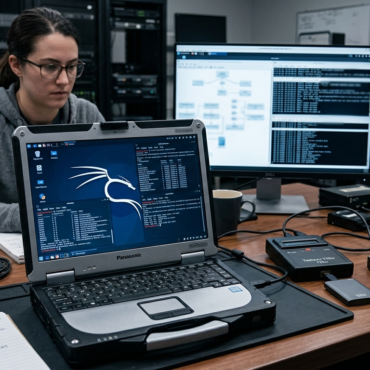
- File Name: forensic-lab-legacy-setup.jpg
- Alt Text: legacy devices in digital forensics lab setup with old computers
Risks and Mitigation
| Risk |
Mitigation |
| Data corruption |
Use write blockers |
| Hardware failure |
Image immediately |
| Incompatibility |
Maintain legacy systems |
| Legal issues |
Proper documentation |
Conclusion
Handling legacy devices in digital forensics requires specialized knowledge, tools, and preparation. These devices may be outdated, but the evidence they hold can be crucial. By implementing the right techniques and maintaining proper infrastructure, investigators can ensure no critical data is overlooked.


Post comments (0)