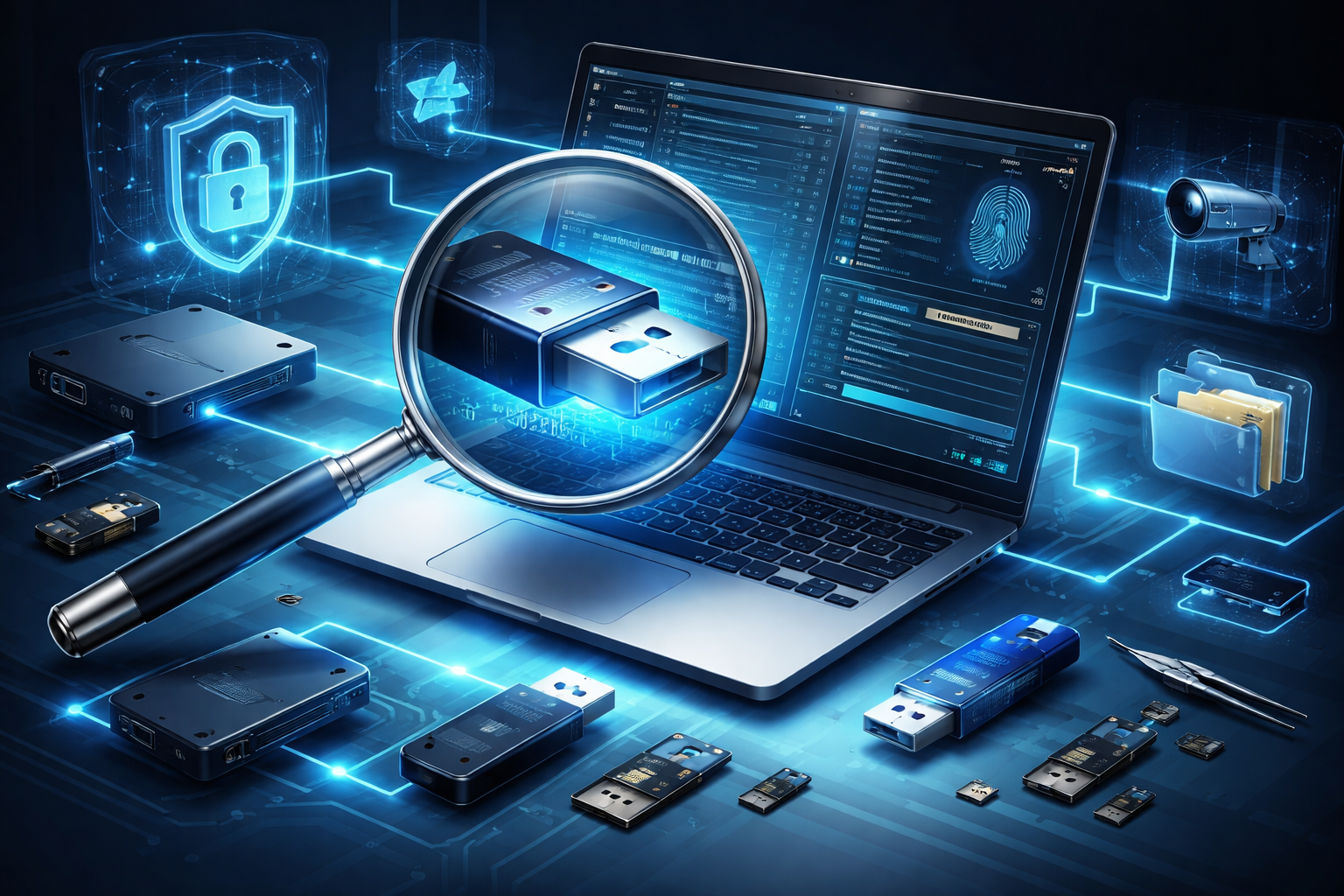
In digital investigations, USB devices often become silent carriers of critical evidence. From data theft and intellectual property leaks to malware infections and insider threats, external storage devices can play a pivotal role. Understanding how to trace USB activity on Windows systems is therefore essential for digital forensic professionals.
This article explores where Windows stores USB artifacts, what information can be recovered, and why proper analysis matters in real-world investigations.
Why USB Forensics Matters
USB devices are:
-
Portable and easy to conceal
-
Capable of transferring large volumes of data quickly
-
Frequently used in insider threat cases
-
Common vectors for malware delivery
In corporate environments, unauthorized USB usage can indicate data exfiltration. In criminal investigations, it may establish access, intent, or timeline correlations.
The key objective in USB forensics is to answer:
-
Was a USB device connected?
-
When was it connected and removed?
-
What device was it?
-
What files were accessed or transferred?
-
Which user account was active at the time?
Windows Artifacts That Reveal USB Activity
Windows maintains multiple forensic artifacts that help reconstruct USB usage history. No single artifact provides the full picture; correlation is critical.
1. Registry Artifacts
The Windows Registry is one of the most important sources of USB evidence.
USBSTOR Key
Path:
SYSTEM\CurrentControlSet\Enum\USBSTOR
This key provides:
The serial number is especially important for uniquely identifying a specific USB device.
MountedDevices Key
Path:
SYSTEM\MountedDevices
This helps determine:
-
Drive letter assignments
-
Volume GUID mappings
Drive letter history can be useful when correlating with user file access.
2. SetupAPI Logs
Location:
C:\Windows\inf\setupapi.dev.log
These logs record:
This artifact is highly reliable for identifying first-time connections.
3. Event Logs
Windows Event Logs may contain:
Relevant logs include:
Event correlation strengthens timeline reconstruction.
4. User-Specific Artifacts
To determine which user interacted with the USB device, examine:
Recent Files & LNK Files
Shortcut (LNK) files reveal:
Jump Lists
Jump Lists show:
These artifacts connect the USB device to user activity.
5. $MFT and File System Metadata
If the USB device itself is available:
-
$MFT entries can reveal file creation, modification, and access times
-
File system timestamps (MACB) help reconstruct file movement
When only the suspect computer is available, investigators look for copied file traces, such as:
Correlation Is the Key
No single artifact proves data theft. A proper forensic workflow involves:
-
Identifying the device (VID, PID, Serial Number)
-
Establishing connection timeline
-
Determining user account activity
-
Linking file access to USB connection times
-
Verifying potential data transfer
Timeline analysis tools can help correlate multiple artifacts into a coherent event sequence.
Common Challenges in USB Forensics
-
Registry key overwriting
-
Log retention limitations
-
Anti-forensic cleaning tools
-
Disabled USB logging policies
-
Use of live operating systems (bootable USBs)
An experienced examiner understands these limitations and looks for indirect indicators when primary artifacts are missing.
Legal and Evidentiary Considerations
In court, USB forensic findings must demonstrate:
-
Integrity of evidence (hash verification)
-
Proper chain of custody
-
Reproducibility of findings
-
Clear explanation of technical artifacts
Technical accuracy alone is insufficient. Findings must be presented in a way that judges and legal professionals can understand.
Conclusion
USB forensics on Windows systems provides powerful insights into device usage, user behavior, and potential data movement. By carefully analyzing registry entries, logs, file system metadata, and user artifacts, investigators can reconstruct events with high confidence.
In insider threat cases and data breach investigations, tracing external device usage can become the decisive factor that establishes intent, access, and timeline alignment.
For digital forensic professionals, mastering USB artifact analysis is not optional — it is a core investigative skill.



Post comments (0)