Introduction
In the modern digital world, images play a crucial role in communication, documentation, and personal expression. From photographs captured on smartphones to screenshots stored on computers, image files are frequently encountered during digital forensic investigations. However, even when a user deletes or moves image files, traces of those images can still remain on a system. One of the most valuable sources of such traces in Windows operating systems is thumbcache files.
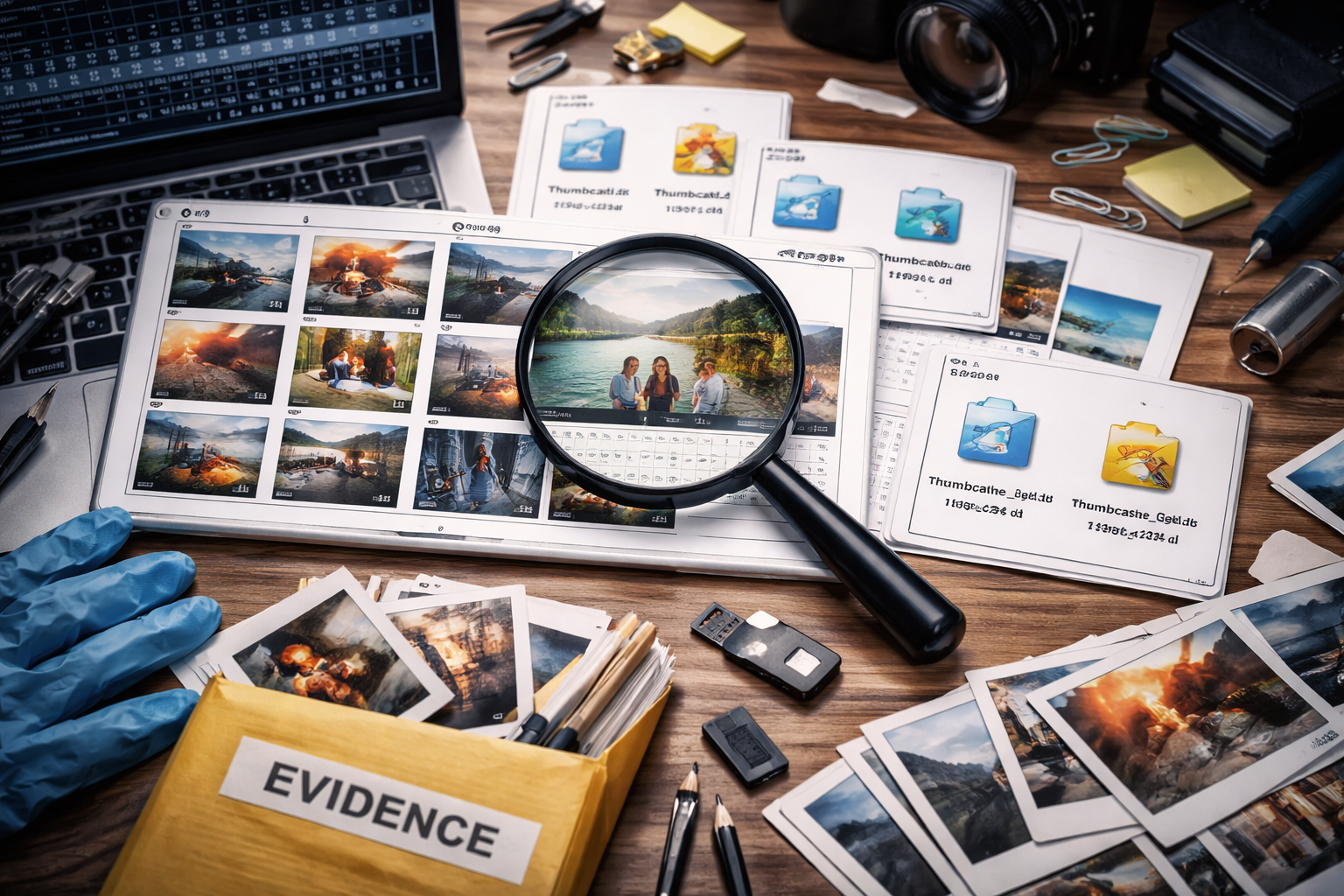
Thumbcache files store thumbnail versions of images and other media files viewed by a user. These small cached previews can become significant forensic artifacts, helping investigators recover visual evidence even when the original image has been deleted. This blog explores what thumbcache files are, how they are created, where they are stored, and why they are important in digital forensic investigations.
What Are Thumbcache Files?
Thumbcache files are databases used by the Windows operating system to store thumbnail previews of images, videos, and documents that appear in Windows Explorer. When a user opens a folder containing media files, Windows automatically generates small preview images (thumbnails) so the user can visually identify files without opening them individually.
Instead of generating these previews every time a folder is opened, Windows stores them in thumbcache database files. This improves system performance and allows thumbnails to load quickly.
Even if the original file is later deleted, the thumbnail preview may remain in the thumbcache database, which makes it a valuable artifact for investigators.
Location of Thumbcache Files
In modern Windows systems (Windows Vista, 7, 8, 10, and 11), thumbcache files are typically stored in the following directory:
C:\Users\<Username>\AppData\Local\Microsoft\Windows\Explorer\
Inside this directory, several thumbcache database files may exist, such as:
-
thumbcache_32.db
-
thumbcache_96.db
-
thumbcache_256.db
-
thumbcache_1024.db
-
thumbcache_idx.db
Each file stores thumbnails of different sizes depending on the display settings and system requirements.
Structure of Thumbcache Databases
Thumbcache files are structured database files containing multiple thumbnail images and associated metadata. Important components include:
-
Header information – Contains database version and configuration details.
-
Thumbnail entries – Each entry represents a cached thumbnail.
-
Image data – The actual compressed thumbnail image.
-
Metadata – May include hash values, identifiers, or references to the original file.
These thumbnails are often stored in JPEG or PNG format, depending on the source file.
Importance of Thumbcache in Digital Forensics
Thumbcache files provide several forensic benefits:
1. Recovery of Deleted Images
Even if a user deletes an image file, the thumbnail may still remain in the thumbcache database. Investigators can extract these thumbnails to determine what the image looked like.
2. Evidence of File Viewing
Thumbcache entries may indicate that a user viewed a particular image, even if the file is no longer present on the system.
3. Timeline Correlation
When combined with other artifacts such as file system timestamps or registry entries, thumbcache data can help establish a timeline of user activity.
4. Identification of Illegal or Suspicious Content
In cases involving cybercrime, harassment, or illegal media distribution, thumbnails may provide crucial visual evidence even when the suspect attempts to remove the original files.
Tools Used to Analyze Thumbcache Files
Digital forensic investigators use specialized tools to parse and extract thumbnails from thumbcache databases. Some commonly used tools include:
-
Thumbcache Viewer
-
Autopsy
-
EnCase
-
FTK (Forensic Toolkit)
-
X-Ways Forensics
These tools allow investigators to extract thumbnails, view metadata, and export images for further analysis.
Challenges in Thumbcache Analysis
While thumbcache files are valuable, they also present certain limitations:
-
Thumbnails are lower resolution than the original images.
-
They may not contain full metadata about the original file.
-
Cache files may be overwritten as new thumbnails are generated.
-
Identifying the exact original file location may be difficult.
Despite these challenges, thumbcache artifacts remain extremely useful in investigations.
Legal Considerations
When using thumbcache data as evidence, investigators must ensure proper forensic acquisition procedures, including:
-
Maintaining chain of custody
-
Creating verified forensic images of storage media
-
Documenting extraction methods and tools used
Proper documentation ensures that thumbcache-derived evidence remains admissible in court.
Conclusion
Thumbcache files are a powerful but often overlooked source of digital evidence. By storing thumbnail previews of viewed images, Windows systems unintentionally preserve visual traces of user activity. Forensic investigators can leverage these artifacts to recover previews of deleted images, demonstrate that certain files were accessed, and support broader investigative findings.
As digital storage and multimedia usage continue to grow, the forensic analysis of artifacts like thumbcache databases will remain an essential technique in uncovering hidden or deleted image evidence.
Understanding thumbcache artifacts highlights an important principle in digital forensics: even when users attempt to delete data, traces of their activity often remain hidden within system caches and metadata.



Post comments (0)