Introduction
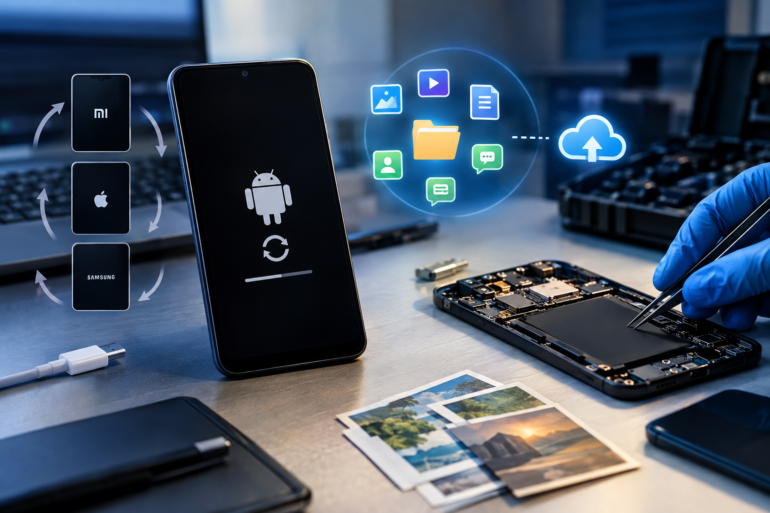
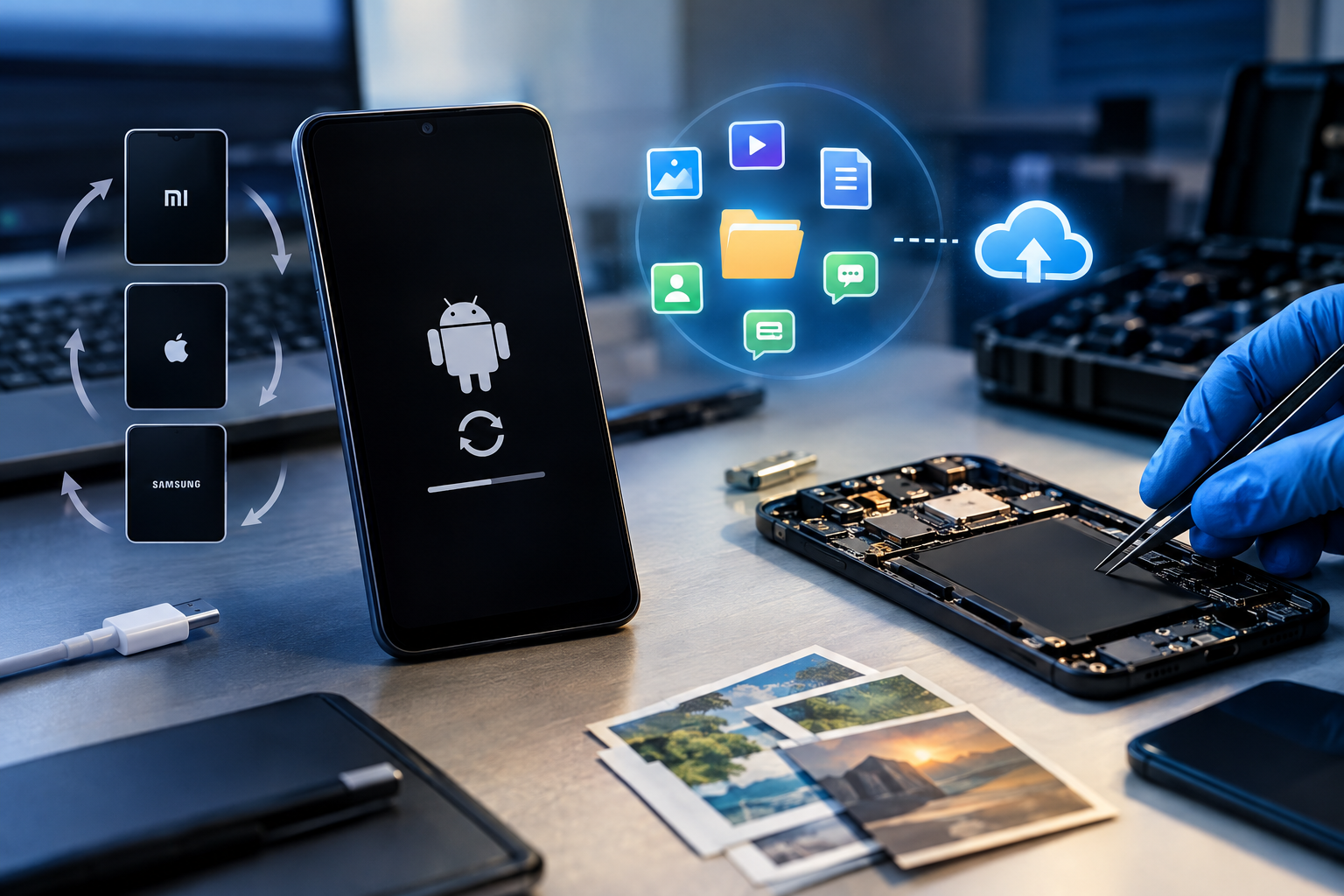
Imagine switching on your smartphone, only to find it repeatedly restarting, displaying the manufacturer’s logo, or getting stuck on the startup screen. Even after waiting for several minutes, the phone never reaches the home screen. This condition is commonly known as a bootloop.
A bootloop can be frustrating, particularly when the device contains important photographs, videos, messages, documents, contacts, or other personal information. The biggest concern is whether the data can be recovered without resetting the phone or causing further damage.
The good news is that data recovery from a bootloop phone may be possible, depending on the underlying cause, the device’s condition, and its security architecture. However, successful recovery is not guaranteed, and the wrong troubleshooting method can permanently reduce the chances of retrieving data.
What Is a Bootloop?
A bootloop occurs when a smartphone repeatedly attempts to start but fails to complete the boot process. Instead of loading Android or iOS normally, the device restarts continuously or remains stuck at the startup logo.
During startup, a phone performs several operations, including hardware initialization, verification of system components, loading the operating system, and preparing encrypted user data for access.
If a critical component fails during this process, the device may be unable to reach the lock screen or home screen.
Common signs of a bootloop include:
-
The phone repeatedly displays its brand logo.
-
The device restarts every few seconds or minutes.
-
The phone remains stuck on the startup animation.
-
The device enters recovery mode repeatedly.
-
The phone vibrates or displays a charging symbol but never starts normally.
What Causes a Phone to Get Stuck in a Bootloop?
Understanding the cause is the first step toward choosing an appropriate recovery method.
1. Corrupted operating system: An interrupted system update, incomplete firmware installation, or damaged system files can prevent the operating system from starting correctly.
2. Failed software updates: An update that fails during installation may leave the device in an inconsistent software state.
3. Rooting or custom firmware issues: Installing an incompatible custom ROM, modifying system partitions, or using an unsuitable boot image can cause repeated startup failures.
4. Storage-related problems: NAND flash memory degradation, filesystem corruption, or damaged storage components may prevent the phone from reading essential data.
5. Hardware faults: A defective battery, power-management circuit, damaged motherboard, or other hardware problem can interrupt the startup process.
6. Malware or incompatible applications: Although less common, certain software modifications or problematic applications can contribute to startup instability.
The distinction matters because a software-related bootloop may be recoverable through carefully selected repairs, whereas a failing storage chip may require specialist hardware-level examination.
Can Data Be Recovered from a Bootloop Phone?
Yes, in some cases. The recovery possibilities depend on whether the issue affects the operating system, the storage hardware, or access to encrypted user data.
For example, if the operating system is damaged but the internal storage remains functional, a specialist may be able to restore normal startup without erasing the user partition. If the phone cannot start but an existing cloud backup is available, some data may be restored from that backup.
However, modern smartphones use encryption to protect stored information. On many Android devices and iPhones, the data remains inaccessible without the necessary cryptographic keys, credentials, and trusted operating-system environment.
This means that recovering data from a bootloop Android phone is not simply a matter of connecting it to a computer and copying files. Similarly, an iPhone stuck on the Apple logo may require a different approach from an Android device.
A phone that repeatedly restarts may still contain intact data, but intact storage does not automatically mean that the data is recoverable.
Step-by-Step Approach to Bootloop Data Recovery
Step 1: Avoid a Factory Reset
The most important precaution is to avoid selecting Wipe Data, Factory Reset, or similar options before assessing the situation.
A factory reset can erase user data and may make recovery substantially more difficult, particularly on encrypted devices. Firmware flashing and bootloader unlocking can also erase data on many phones.
If the data is valuable, avoid experimenting with multiple repair methods before understanding their consequences.
Step 2: Check Basic Power and Charging Issues
Use a known-good, compatible charger and cable. Allow the device to charge for a reasonable period, then try the manufacturer-recommended force-restart procedure.
If the phone has suffered liquid damage, becomes unusually hot, or shows signs of battery swelling, stop and seek professional assistance rather than continuing to power it on.
These checks may resolve a simple power-related problem, but they will not repair corrupted firmware or defective internal storage.
Step 3: Identify the Recovery Environment
Determine whether the device can enter its recovery menu, bootloader or fastboot mode, or another manufacturer-supported diagnostic mode.
The available options differ by model. Some devices permit non-destructive diagnostic operations, while others offer options that erase user data.
Do not assume that every recovery menu operation is safe. Read the specific device documentation before proceeding.
Step 4: Assess Existing Backups
Check whether photographs, contacts, documents, and other information were synchronized with Google Photos, Google One, iCloud, or another backup service.
Official resources include Google’s Android backup and restore guide and Apple’s official iPhone recovery guidance.
An existing backup may provide the safest route to recovering important information without modifying the affected device.
Step 5: Consider Non-Destructive Repair
If the data is not backed up, a qualified technician may investigate whether the device can be returned to a bootable state without erasing user storage.
Depending on the model and fault, this could involve diagnosing power issues, assessing firmware integrity, or repairing a faulty component.
Firmware reinstallation is not automatically a safe solution. Even when the goal is to preserve data, an incorrect firmware package, incompatible repair procedure, or device-specific security restriction may result in data loss.
Step 6: Perform Specialist Forensic Examination
If ordinary troubleshooting fails, mobile forensic data recovery may be appropriate, especially when the phone contains important evidence or irreplaceable files.
A forensic examiner may document the device’s condition, identify its chipset and security architecture, assess storage accessibility, and evaluate available acquisition methods.
Depending on the device, the examination may involve manufacturer-supported interfaces, specialist mobile forensic tools, logical acquisition, filesystem acquisition, or hardware-level diagnostics.
Tools such as Cellebrite UFED, MSAB XRY, and Magnet AXIOM support different mobile forensic workflows, but none can guarantee recovery from every bootloop device. Tool compatibility, operating-system version, device security, and physical condition all influence the available options.
Chip-off or other invasive hardware techniques are not universal solutions. Modern encryption may prevent useful data extraction even when storage chips can be accessed physically.
Why Encryption Makes Bootloop Recovery Difficult
Modern mobile devices commonly use hardware-backed security and encryption mechanisms. Depending on the model, access to user data may depend on the correct passcode, cryptographic keys, secure hardware, and successful initialization of system components.
If the phone cannot complete startup, the normal process that makes encrypted user data available may also fail.
Furthermore, removing the storage chip and reading its contents directly does not necessarily produce readable photographs, messages, or documents. The extracted information may remain encrypted.
This is why data recovery from a phone stuck in a bootloop requires more than general repair knowledge. The examiner must understand the relationship between firmware, storage, encryption, and device-specific security controls.
Conclusion
A bootloop does not automatically mean that all data has been lost. In many cases, the information may remain stored on the device even though the operating system cannot start normally.
The safest approach is to identify the cause, avoid destructive reset and flashing procedures, check existing backups, and assess whether a non-destructive repair or specialist forensic examination is feasible.
If the phone contains critical personal information or potential digital evidence, stop experimenting and consult an experienced mobile forensic professional before taking further action.
Remember: The primary objective should be to preserve the data first and repair the device second. Recovery depends on the specific fault, device security, and available technical options, so no method can guarantee success in every case.



Post comments (0)