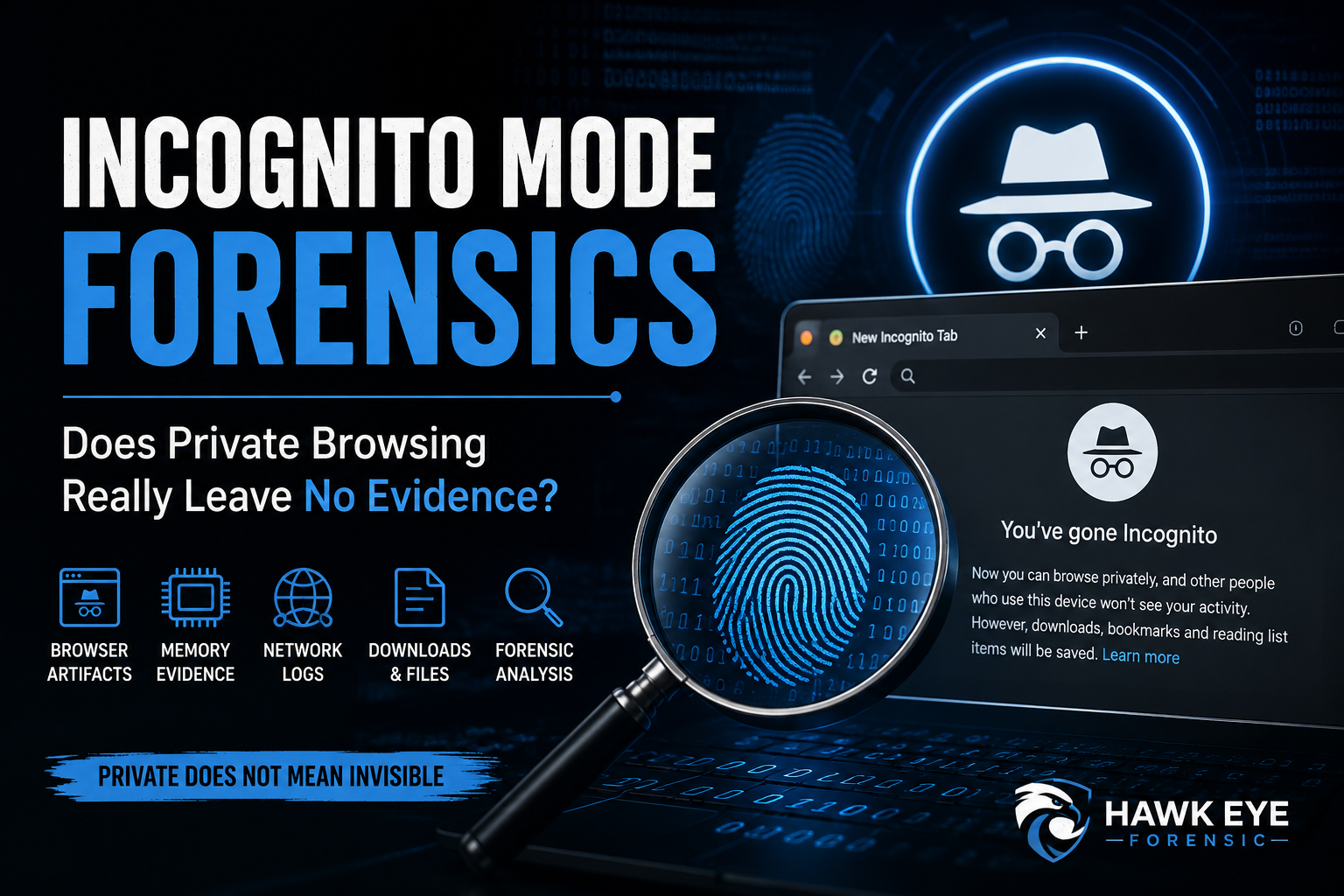
Many internet users believe that opening an Incognito or Private Browsing window makes their online activity completely anonymous. Browsers often state that browsing history, cookies, and form information will not be saved after the private session ends. But does this mean there is no evidence left behind?
From a digital forensics perspective, the answer is more complicated. Private browsing is primarily designed to reduce the information retained by the browser on the local device. It is not an anonymity tool, and depending on the operating system, browser, network environment, and acquisition method, investigators may still identify artifacts associated with a private browsing session.
What Is Incognito Mode?
Incognito Mode is Google Chrome’s name for private browsing. Similar features are available in other browsers:
- Google Chrome – Incognito Mode
- Microsoft Edge – InPrivate Browsing
- Mozilla Firefox – Private Browsing
- Apple Safari – Private Browsing
When a user opens a private browsing session, the browser generally avoids permanently retaining certain information, such as browsing history, cookies created during the session, site data, and information entered into forms after the private session is closed.
According to, Incognito Mode does not make a user invisible online. Websites, organizations managing the network, internet service providers, and other parties may still be able to observe activity.
Focus Keyphrase: Incognito Mode Forensics
Related Keyphrases: private browsing forensics, incognito browsing history, digital forensic investigation, browser forensics, private browsing evidence, recover incognito history
Does Incognito Mode Leave Digital Evidence?
Potentially, yes.
A crucial distinction in Incognito Mode forensics is the difference between browser history and digital evidence. The absence of a conventional browser-history entry does not necessarily establish that no browsing activity occurred.
Depending on the circumstances, evidence may exist elsewhere on the device or supporting infrastructure.
1. DNS-Related Evidence
When a user accesses a website, the system may need to resolve its domain name into an IP address using the Domain Name System (DNS).
Depending on the operating system, browser configuration, DNS implementation, caching behavior, and timing of forensic acquisition, DNS-related artifacts may provide useful information about domains that were accessed or resolved.
However, DNS evidence should be interpreted carefully. A DNS record or cache entry does not, by itself, necessarily prove that a particular user intentionally visited a webpage.
For technical information about DNS, investigators can refer to Cloudflare’s DNS Learning Center.
2. RAM and Volatile Memory
Volatile memory (RAM) can be particularly important during a live digital forensic investigation.
While a private browsing session is active—or shortly after associated activity—memory may contain browser processes, URLs, search-related strings, network information, session data, or other temporary artifacts.
Tools and frameworks such as the volatality Foundation are widely associated with memory analysis.
This is also why the timing and methodology of evidence acquisition can significantly affect what investigators are able to recover.
3. Downloads and Saved Files
Private browsing does not automatically erase files intentionally downloaded to the device.
For example, if a user downloads a PDF, photograph, archive, executable, or document while using Incognito Mode, the downloaded file may remain after the private window is closed.
The file itself can potentially contain valuable forensic information, including:
- File-system timestamps
- Metadata
- File hashes
- Embedded information
- File paths
- Application-related artifacts
Therefore, investigators should not restrict an examination to the browser’s visible history.
4. Network and External Logs
Incognito Mode primarily affects information stored by the browser. It does not necessarily prevent activity from being recorded outside the endpoint.
Depending on the environment and applicable logging policies, evidence may exist in:
- Firewall logs
- Proxy logs
- DNS infrastructure
- Enterprise security systems
- Router or network logs
- Web server logs
- Internet service provider records
For example, an organization’s security infrastructure may record connections even when the browser itself does not retain a normal browsing-history entry.
The National Institute of Standards and Technology (NIST) provides extensive cybersecurity and digital-forensics-related guidance relevant to evidence acquisition and analysis.
5. Operating System and Application Artifacts
Modern operating systems and applications generate numerous artifacts during normal operation.
Depending on the platform and circumstances, investigators may examine areas such as temporary files, caches, system logs, paging or swap data, crash information, security software logs, and other application or operating-system artifacts.
The exact evidentiary value varies significantly between systems and browser versions. Investigators should therefore avoid assuming that a specific artifact will always exist.
Can Investigators Recover Incognito History?
This question needs careful wording.
Investigators cannot simply assume that a complete list of Incognito websites can be reconstructed after a private session has ended. Private browsing is specifically designed to prevent the browser from retaining conventional history in the same way as a standard session.
However, digital forensic investigators may be able to reconstruct portions of activity using other sources of evidence.
A forensic examination could correlate information from:
Memory + DNS artifacts + downloaded files + operating-system artifacts + network logs + external records
This process is known as artifact correlation. Rather than relying on a single source, investigators compare multiple independent artifacts to develop a defensible reconstruction of events.
What Incognito Mode Does Not Do
One of the biggest misconceptions surrounding private browsing is that it provides complete anonymity.
Incognito Mode generally does not:
- Hide activity from websites being accessed
- Automatically conceal traffic from network administrators
- Make the device anonymous on the internet
- Prevent downloaded files from remaining on the device
- Guarantee that no forensic artifacts will exist
- Automatically hide an IP address
- Replace privacy technologies designed for other purposes
Mozilla similarly explains the limitations of private browsing in it.
Why Incognito Mode Forensics Matters
Private browsing may become relevant in investigations involving cybercrime, insider threats, data theft, unauthorized system access, fraud, harassment, intellectual-property theft, and other incidents involving digital evidence.
Forensic examiners should evaluate the entire digital environment, rather than concluding that activity did not occur simply because conventional browser history is absent.
Proper acquisition procedures, chain of custody, forensic imaging, memory acquisition, artifact validation, and timeline correlation are essential when digital evidence may later be presented in legal proceedings.




Post comments (0)