What is EDL Mode? A Guide to Emergency Download Mode in Smartphones
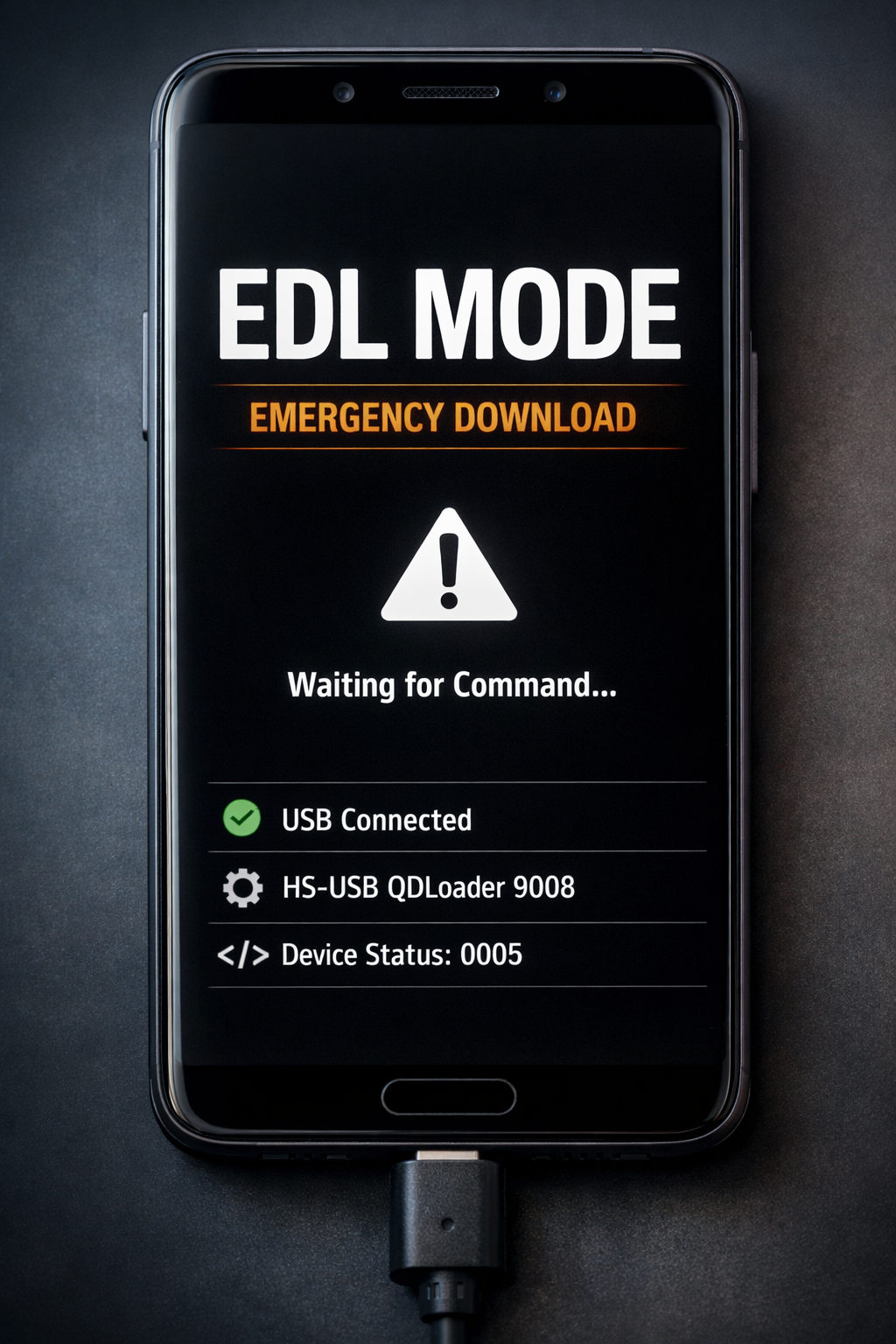
Smartphones store a large amount of personal and professional data. Messages, photos, apps, and documents all exist on a single device. When a phone stops working or fails to boot, recovering that data becomes difficult. EDL Mode, also known as Emergency Download Mode, provides a solution in many Qualcomm-based smartphones. This special recovery system allows technicians and investigators to repair damaged devices and access data even when the operating system does not start.
Understanding Emergency Download Mode
Emergency Download Mode is a low-level recovery feature found in devices that use processors from Qualcomm. The feature allows a computer to communicate directly with the smartphone’s hardware.
Normally, when a phone powers on, it follows a boot process. The bootloader starts first, and then the operating system loads. If the bootloader or firmware becomes corrupted, the phone may fail to start. In such cases, the device may freeze, restart repeatedly, or remain completely unresponsive.
This recovery interface bypasses the normal boot sequence. It creates a direct communication channel between the computer and the device. Because of this connection, technicians can repair software issues and restore the system.
How the Recovery System Works
When a smartphone enters the download interface, the computer detects it as Qualcomm HS-USB QDLoader 9008. This indicates that the device is ready to receive commands.
Technicians then use specialized tools to communicate with the phone. One commonly used tool is QFIL. This software allows users to flash firmware files and repair damaged partitions.
Another professional toolkit is QPST. It offers advanced diagnostic and device management capabilities.
These tools send firmware packages directly to the device storage. Since the process works at a low system level, it can repair devices that cannot boot normally.
Methods to Access the Download Interface
Different smartphone models provide different methods to access the download system. The most common method uses software commands.
Developers often rely on Android Debug Bridge to reboot a phone into the recovery interface. If USB debugging is enabled, a command from a computer can trigger the process.
Some devices also support hardware key combinations. Pressing certain buttons while connecting the phone to a computer may force the device into recovery mode.
In more severe cases, technicians use the test point method. This process requires opening the device and connecting specific motherboard points. The phone then enters the download interface automatically.
Importance in Smartphone Repair
This recovery feature plays an important role in smartphone repair. Many devices become unusable due to corrupted firmware or failed updates. Technicians often describe these devices as bricked.
By using specialized flashing tools, technicians can reinstall the original firmware. The process restores the operating system and allows the phone to boot normally again.
Service centers often depend on this method to repair phones that appear completely dead. Without this recovery interface, many devices would remain permanently damaged.
Role in Digital Forensics
Mobile devices frequently appear in cybercrime investigations. Investigators often analyze phones to collect digital evidence. However, damaged or locked devices can make data extraction difficult.
Low-level recovery features help investigators access the device storage directly. Investigators may recover system logs, deleted files, and application data. These records can help reconstruct user activity during an investigation.
Professional forensic tools such as Cellebrite UFED allow experts to acquire mobile data in a controlled and secure way. These tools preserve the integrity of digital evidence so it can be used in legal proceedings.
For more information about digital forensic standards, researchers often consult resources from National Institute of Standards and Technology.
Security Considerations
Although this recovery system is useful, it can also raise security concerns. Because it allows deep access to the device, attackers could misuse it to modify firmware or bypass protections.
To reduce this risk, many manufacturers restrict access to the interface. Some devices require special authentication files before allowing firmware operations. These safeguards prevent unauthorized users from modifying the device.
Conclusion
Emergency Download Mode is a powerful recovery feature in many Qualcomm smartphones. It allows direct communication between a computer and the device hardware. Technicians use this capability to repair damaged firmware and recover bricked devices.
The feature also supports mobile digital forensic investigations by providing access to important data when normal extraction methods fail. While security restrictions continue to evolve, this recovery interface remains an essential tool for device repair and forensic analysis in modern smartphones.




Post comments (0)