When collecting digital evidence, investigators must create an exact copy of the original storage device without altering its contents. This process is known as forensic imaging or forensic acquisition. The integrity of this forensic image plays a critical role in ensuring that digital evidence remains admissible in court. The National Institute of Standards and Technology (NIST) provides guidance on forensic methodologies and best practices for handling digital evidence. You can learn more on the official NIST website: https://www.nist.gov/itl/ssd/software-quality-group/computer-forensics.
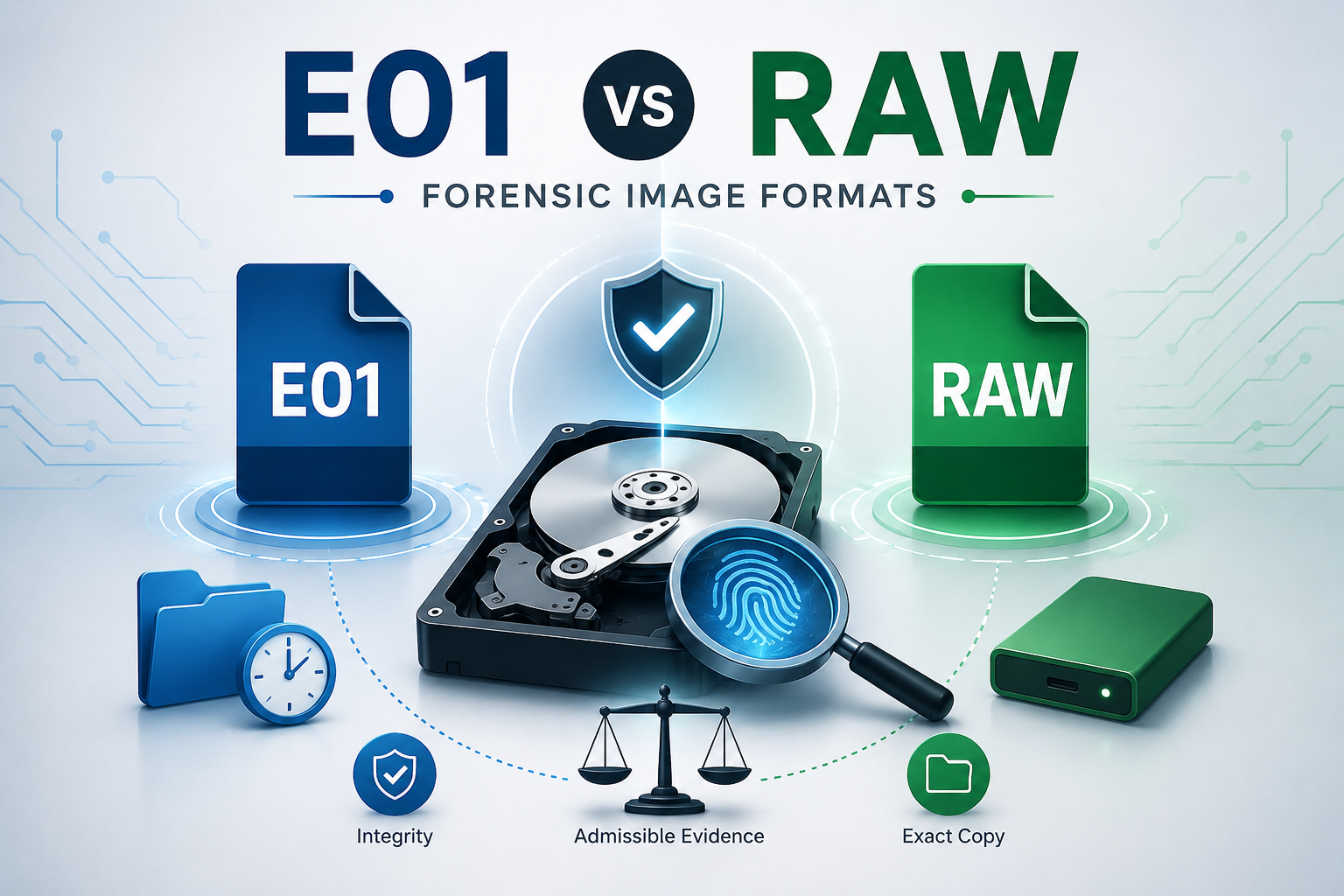
Among the various forensic image formats available today, E01 and RAW are the two most commonly used. Although both preserve digital evidence accurately, they differ significantly in features, storage requirements, compatibility, and forensic workflow.
In this article, we’ll compare E01 vs RAW file format to help digital forensic investigators, cybersecurity professionals, and students understand when to use each format.
What is a RAW File Format?
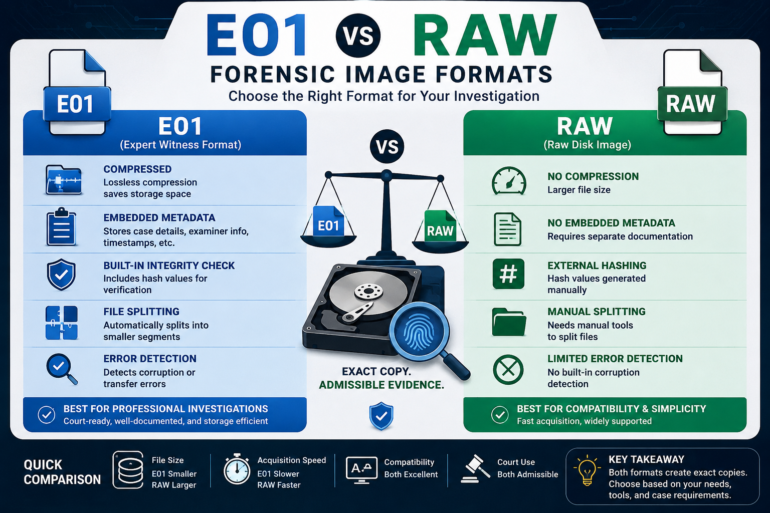
A RAW forensic image is a bit-by-bit copy of a storage device. Every sector—including active files, deleted files, slack space, and unallocated space—is copied exactly as it exists on the original media.
The RAW format is often saved with extensions such as:
Unlike proprietary formats, RAW contains only the disk data without additional forensic metadata.
Advantages of RAW Format
- Universally supported by almost every forensic tool.
- Simple and straightforward structure.
- No proprietary dependencies.
- Faster to create because no compression or metadata packaging is involved.
- Ideal for interoperability between different forensic platforms.
RAW images are commonly created using tools such as FTK Imager, which supports both RAW and E01 image acquisition. Learn more about the tool here: https://www.exterro.com/ftk-imager
Limitations of RAW Format
- Larger file size due to lack of compression.
- Does not automatically store examiner notes or acquisition metadata.
- Requires separate documentation for chain of custody.
- No built-in integrity verification beyond manually calculated hash values.
What is an E01 File Format?
The E01 file format, also known as the Expert Witness Format (EWF), was originally developed by EnCase and has become one of the most widely used forensic image formats.
Unlike RAW, an E01 image not only stores the disk contents but also includes valuable forensic metadata.
An E01 image typically contains:
- Acquisition date and time
- Examiner information
- Case number
- Evidence number
- Hash values (MD5, SHA-1, SHA-256 depending on the tool)
- Compression information
- Error detection data
- File segmentation (if required)
This makes E01 particularly suitable for professional forensic investigations. More information about EnCase Forensic and the E01 format is available from OpenText: https://www.opentext.com/products/encase-forensic
Advantages of E01 Format
1. Compression
E01 images use lossless compression, reducing storage requirements while preserving every bit of evidence.
2. Embedded Metadata
Investigation details remain stored within the image itself, making documentation much easier.
3. Built-in Integrity Verification
E01 stores hash values that allow investigators to verify image integrity throughout the investigation.
4. File Splitting
Large forensic images can automatically be divided into smaller segments, making storage and transfer easier.
5. Error Detection
Checksums and validation mechanisms help detect image corruption during storage or transfer.
Limitations of E01 Format
- Slightly slower image acquisition due to compression.
- Proprietary format (although widely supported today).
- Some lightweight forensic tools may not support all E01 features.
- Requires decompression during certain analysis operations.
E01 vs RAW File Format Comparison
| Feature |
RAW |
E01 |
| Disk Copy |
Yes |
Yes |
| Compression |
No |
Yes (Lossless) |
| Embedded Metadata |
No |
Yes |
| File Size |
Larger |
Smaller |
| Acquisition Speed |
Faster |
Slightly Slower |
| Hash Storage |
External |
Embedded |
| File Splitting |
Manual |
Automatic |
| Error Detection |
Limited |
Built-in |
| Tool Compatibility |
Excellent |
Excellent |
When Should You Use RAW?
RAW is an excellent choice when:
- Maximum compatibility is required.
- Working with open-source forensic tools.
- Performing research or academic analysis.
- Storage space is not a concern.
- You need the simplest possible forensic image.
RAW images are commonly used with tools like FTK Imager, dd, and Guymager.
When Should You Use E01?
E01 is generally preferred when:
- Conducting criminal investigations.
- Maintaining detailed chain of custody.
- Working in corporate incident response.
- Evidence will likely be presented in court.
- Storage efficiency is important.
- Examiner documentation must remain embedded with the image.
Many forensic laboratories worldwide use E01 as their standard acquisition format. Digital investigation platforms such as Magnet Forensics provide extensive support for analyzing E01 forensic images. Learn more at: https://www.magnetforensics.com/
Which Format is Better?
There is no universally “better” format—only the format that best suits your investigative requirements.
Choose RAW if you prioritize:
- Simplicity
- Speed
- Universal compatibility
Choose E01 if you require:
- Built-in metadata
- Compression
- Easier evidence management
- Professional forensic documentation
Many forensic examiners create an E01 image for evidence preservation while exporting a RAW image when interoperability with certain tools is necessary.
For additional learning resources, the SANS Institute offers excellent articles, whitepapers, and training material on digital forensics and incident response. Explore their resources here: https://www.sans.org/digital-forensics/



Post comments (0)